The problem
Mall KPIs usually arrive as a monthly pack assembled from four systems. By the time it is read, the decisions it should inform have been taken.
How it works
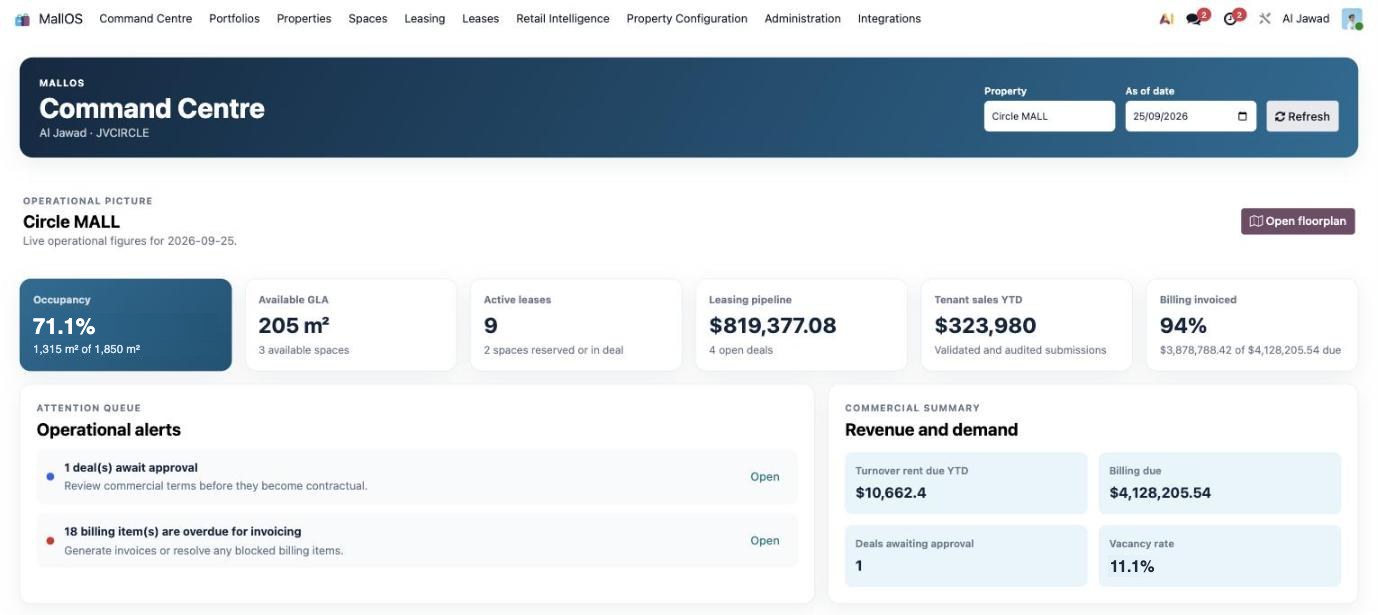
01Select propertyEvery mall in the portfolio.
02Set as-of datePast, today or future.
03Read KPIsSix live cards.
04Act on alertsApprovals and overdue billing.
05Open floorplanJump to the unit.
06Drill downInto the record behind it.
Capabilities
KPIs
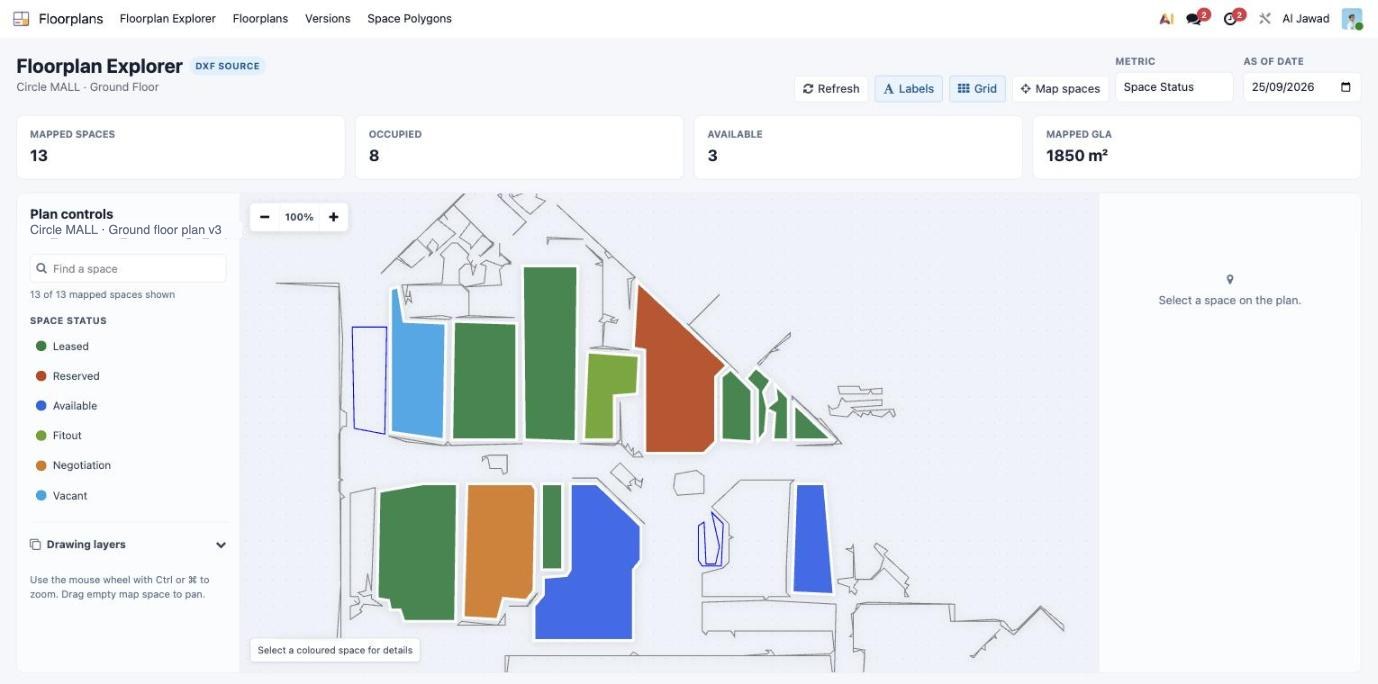
Occupancy and GLA
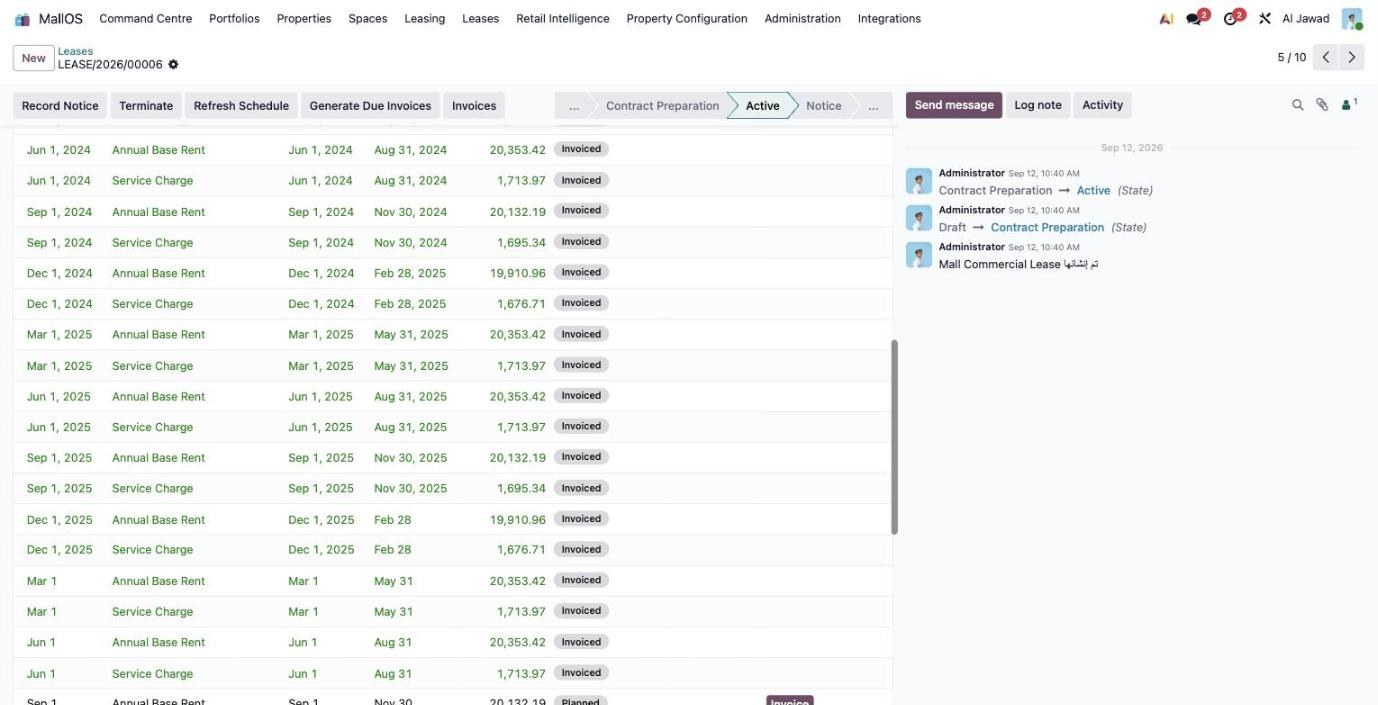
Active leases
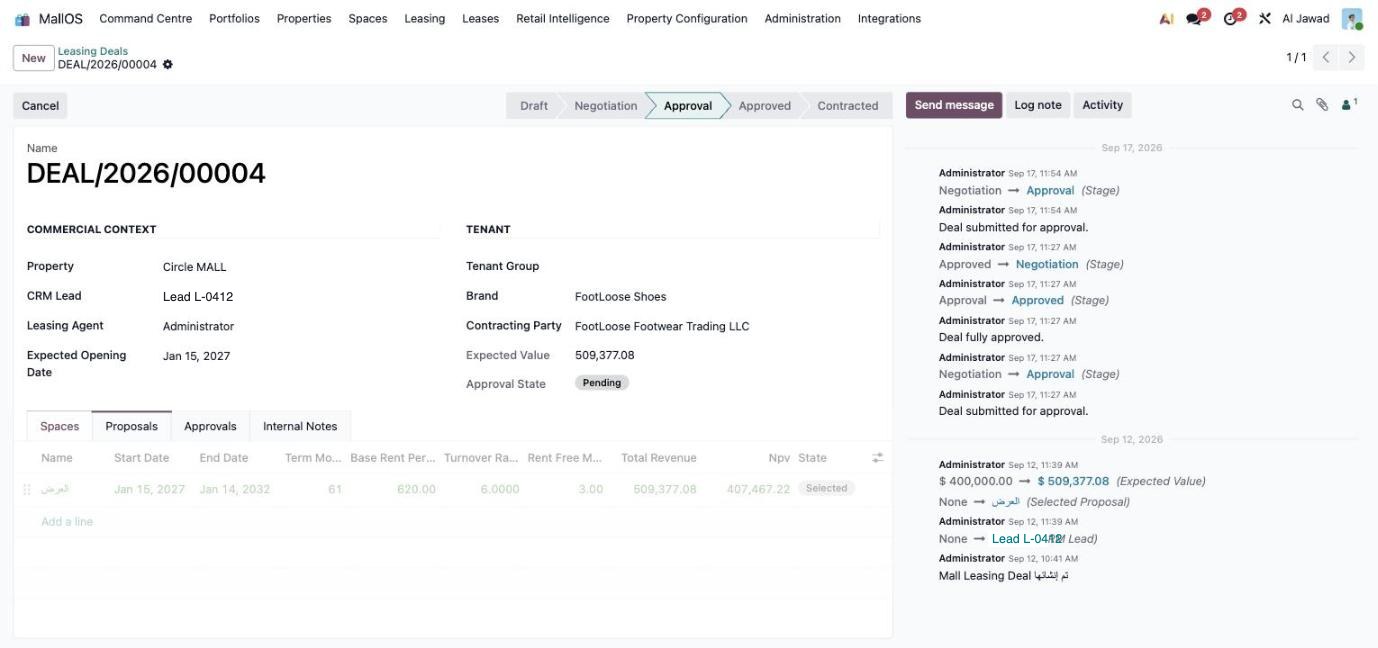
Leasing pipeline
Tenant sales YTD
Attention queue
Deals awaiting approval
Overdue billing
Blocked invoices
One-click open
Views
As-of date
Property selector
Dark mode
Arabic RTL
Built in
6
Live KPI cards
Any date
As-of view
1
Screen per mall
1 click
To the floorplan