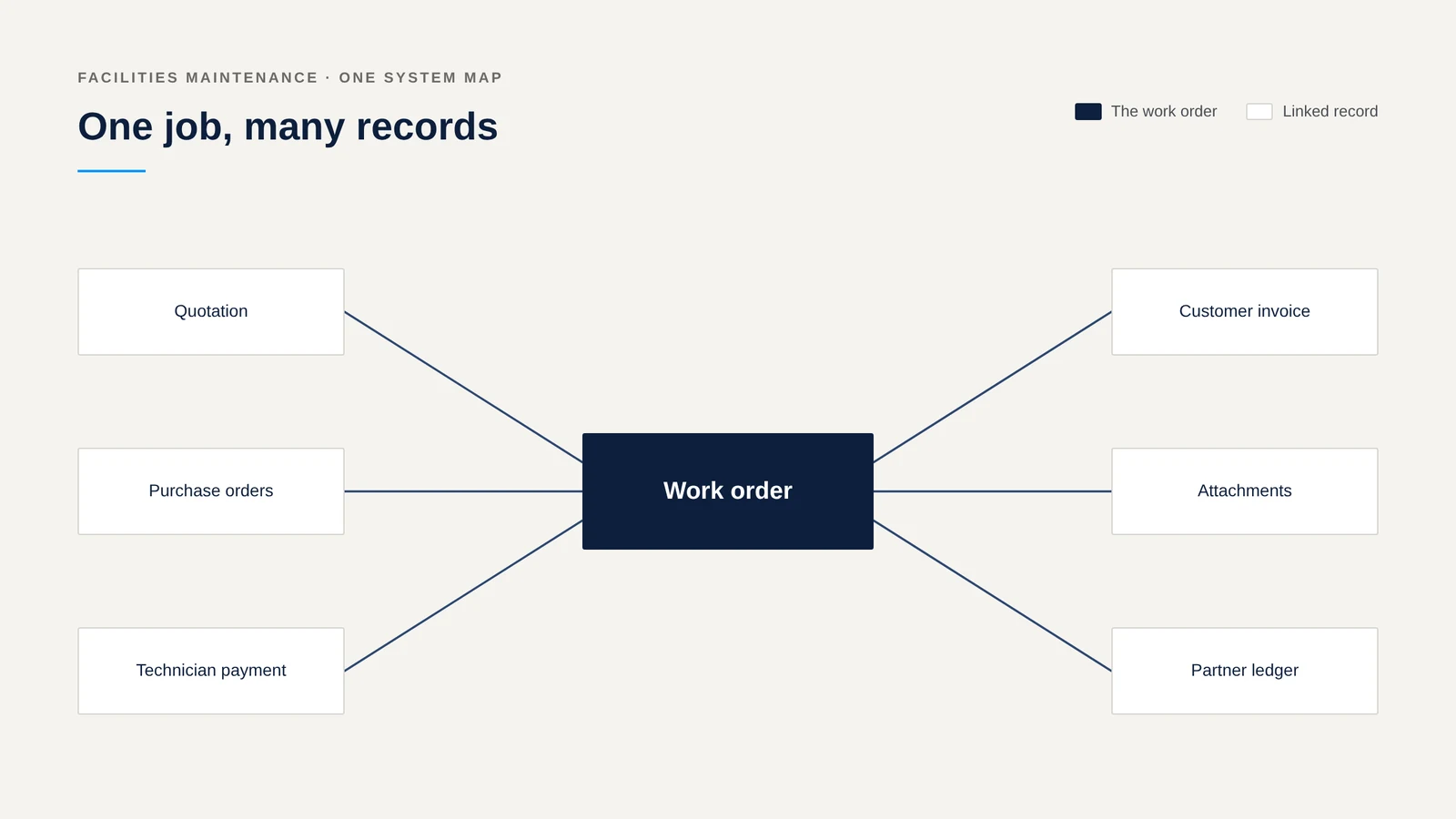
United National Maintenance Services handles maintenance jobs that start with a dispatcher and end with an invoice. Al Jawad Software House extended Odoo Field Service so one work order carries the quotation, the purchases, the technician's payment and the customer's bill.
Where the work gets hard
A job touches many people. Dispatch, technicians, suppliers and accounts all need to see the same job.
Evidence matters. Before, after and inspection photos need to travel with the job.
Work order numbers must be unique. Duplicates cause confusion in billing.
What we implemented
Work order to quotation and invoice
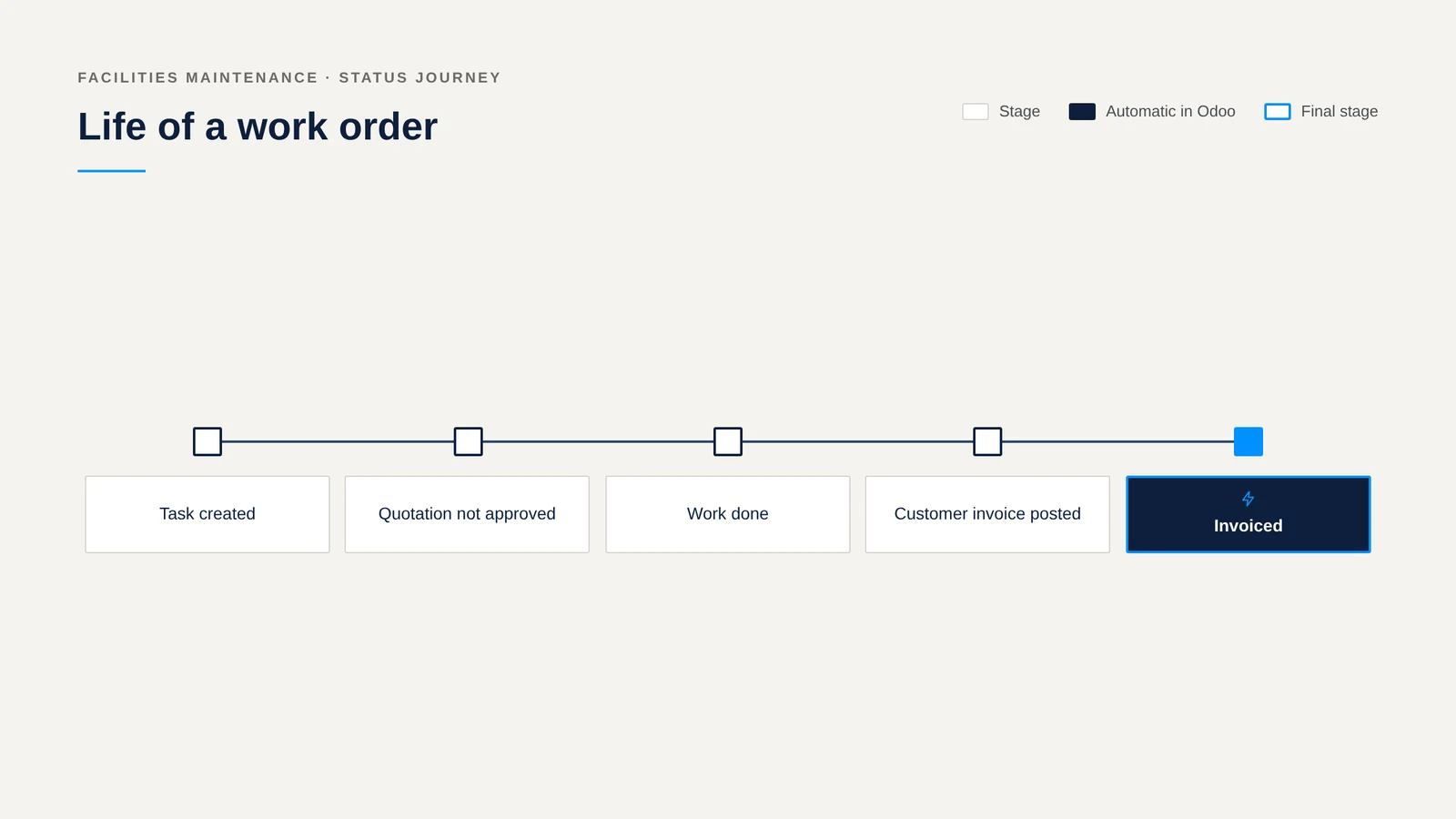
From a task, one action creates a quotation with prepared Incurred and Proposed sections and moves the task to a stage showing that the quotation is not yet approved. Buttons raise purchase orders and payments for a named technician. When the customer invoice is posted, the task moves to Invoiced by itself.
Photos and documents
The before, after and inspection attachments of a task download together as one file.
Unique numbers and team access
Work order numbers are checked for duplicates without regard to capital letters, and cancelled jobs are exempt. Each dispatch team sees only its own tasks, with leaders and administrators as exceptions.
Technician and supplier payments
Payment methods check the beneficiary's details. After a vendor payment is posted, it is reconciled to the bill.
Reporting
The partner ledger shows the work order and the company's own invoice number.
How the work gets easier
| The usual way | With the new process |
|---|---|
| Quotes, purchases and payments sit in separate places | They hang off the work order |
| Photos are gathered by hand | They download together |
| Someone moves the job after invoicing | The task moves when the invoice posts |
Dispatch and accounts read the same job and spend less time asking each other for updates.
Related solutions
- Odoo Field Service
- Odoo Project and Purchase
- Odoo Custom Development